Light Dropper colored icon
Loading interactive 3D reference…
45% complete

Value Shading Reference

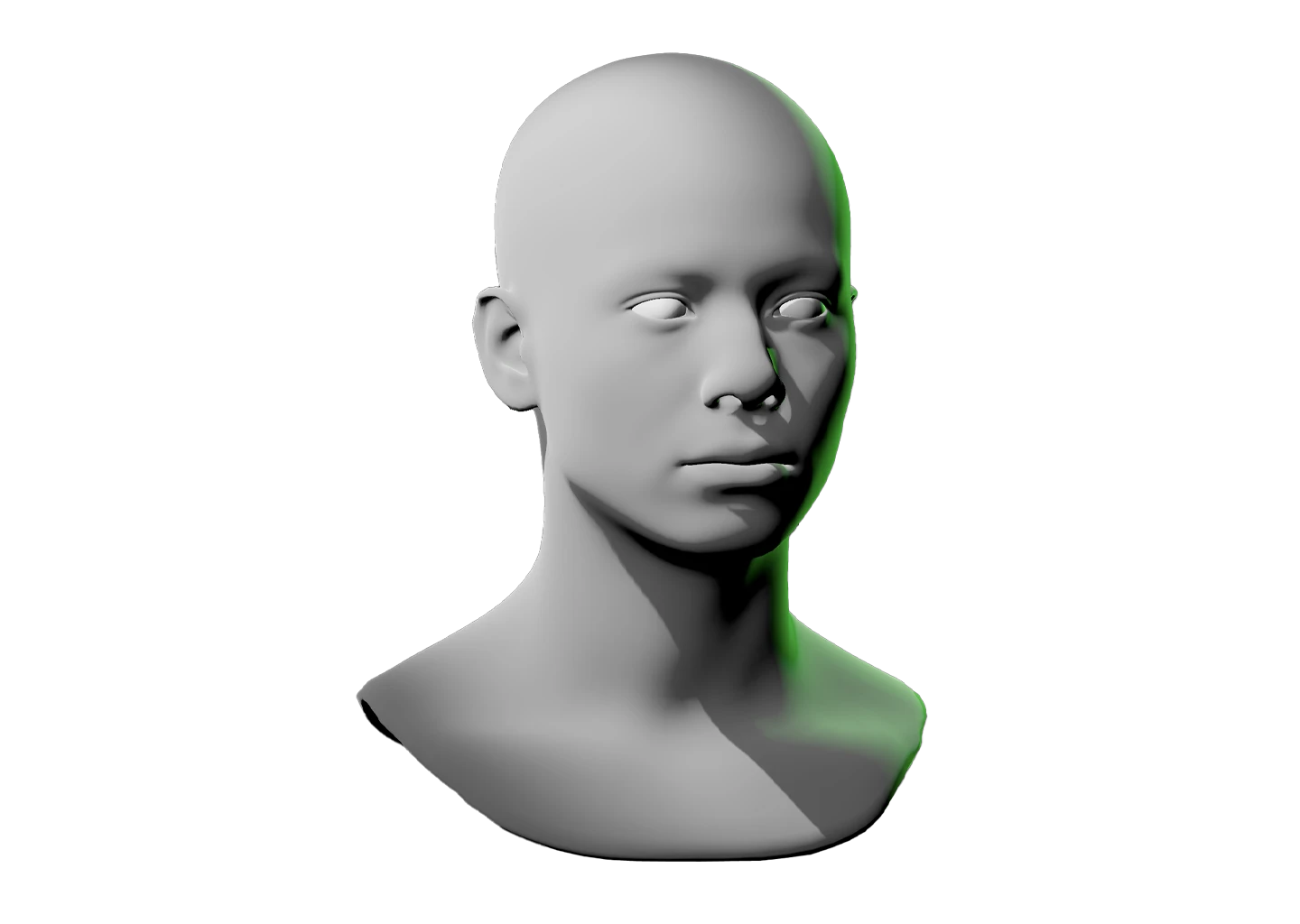
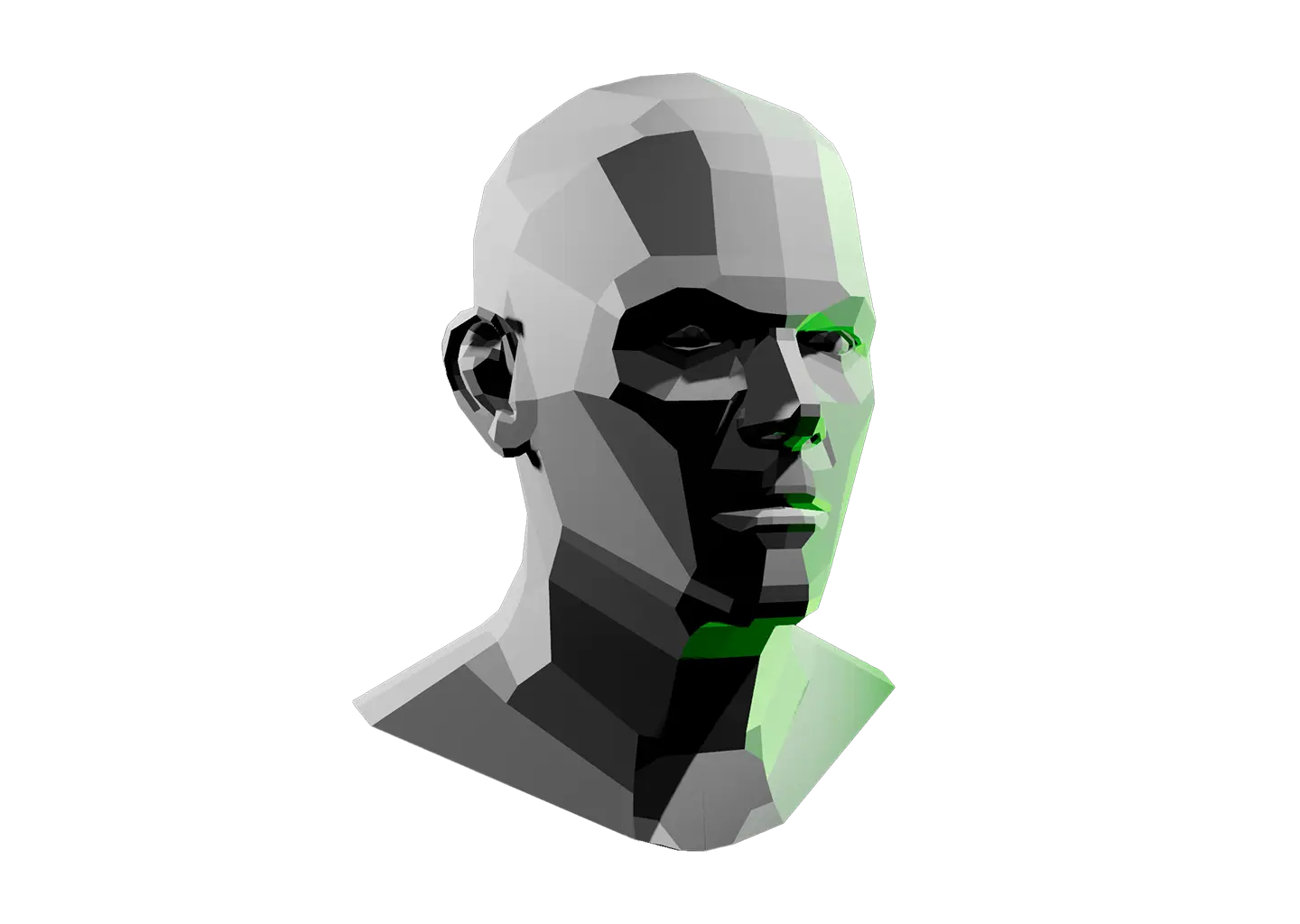
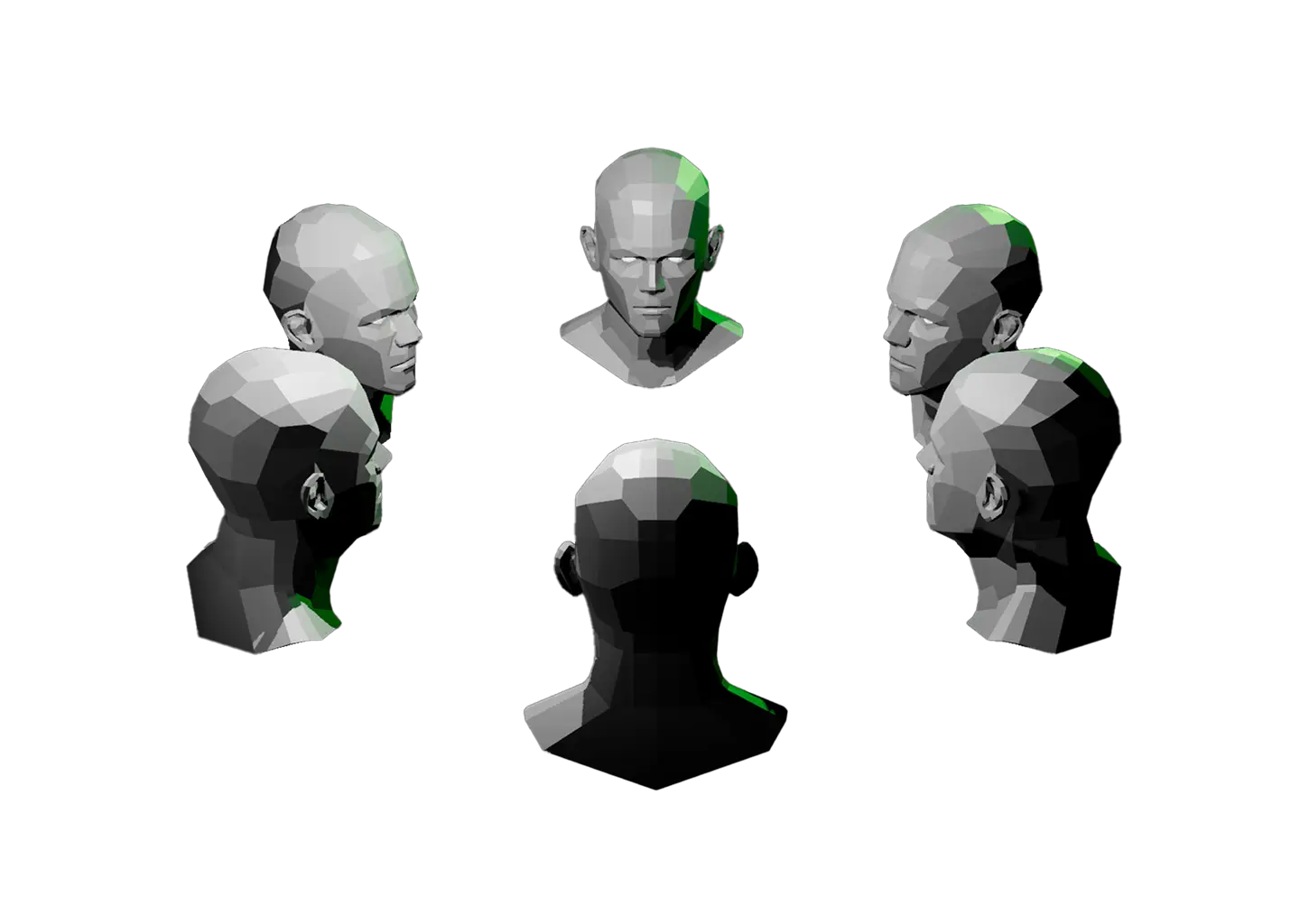
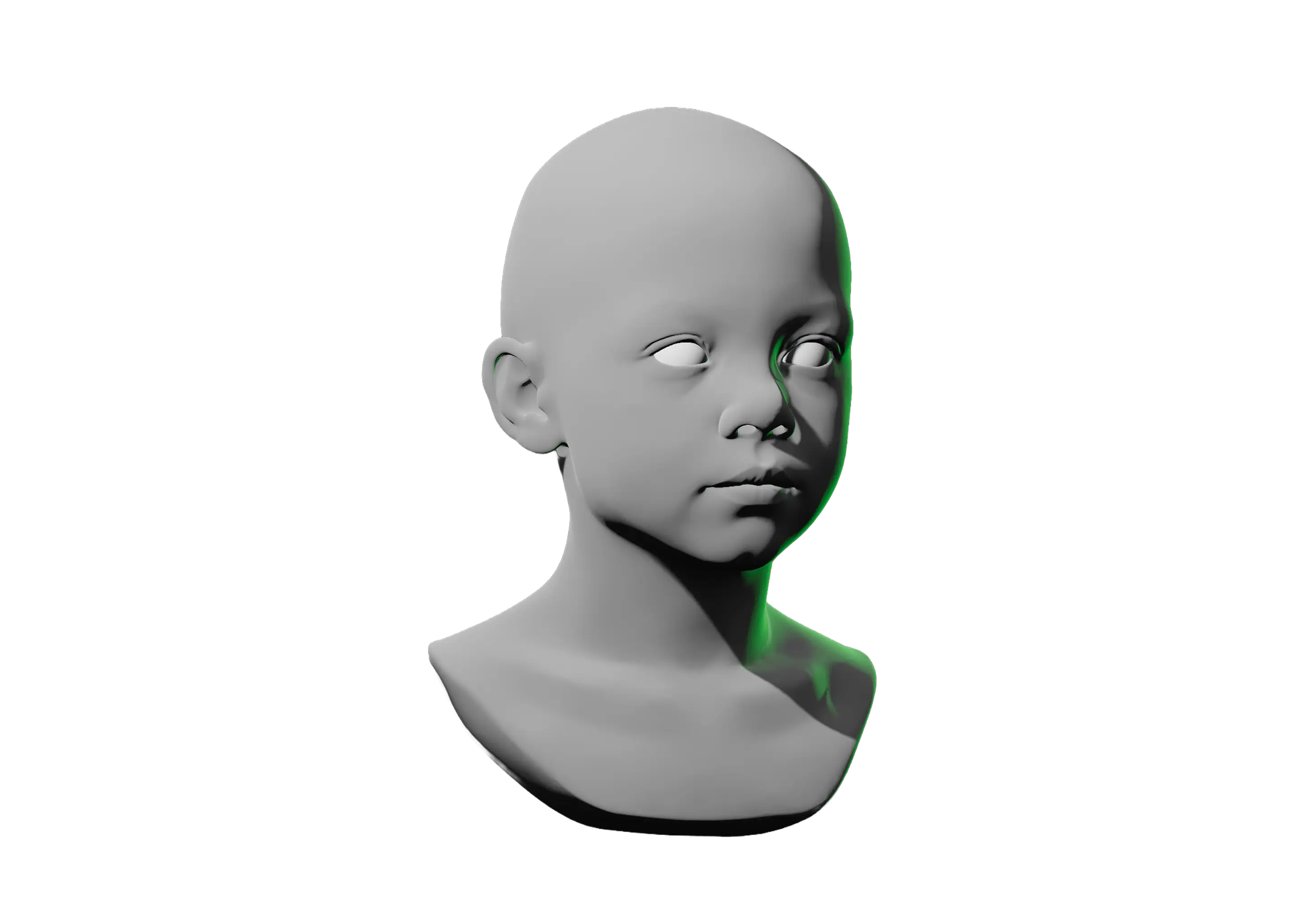
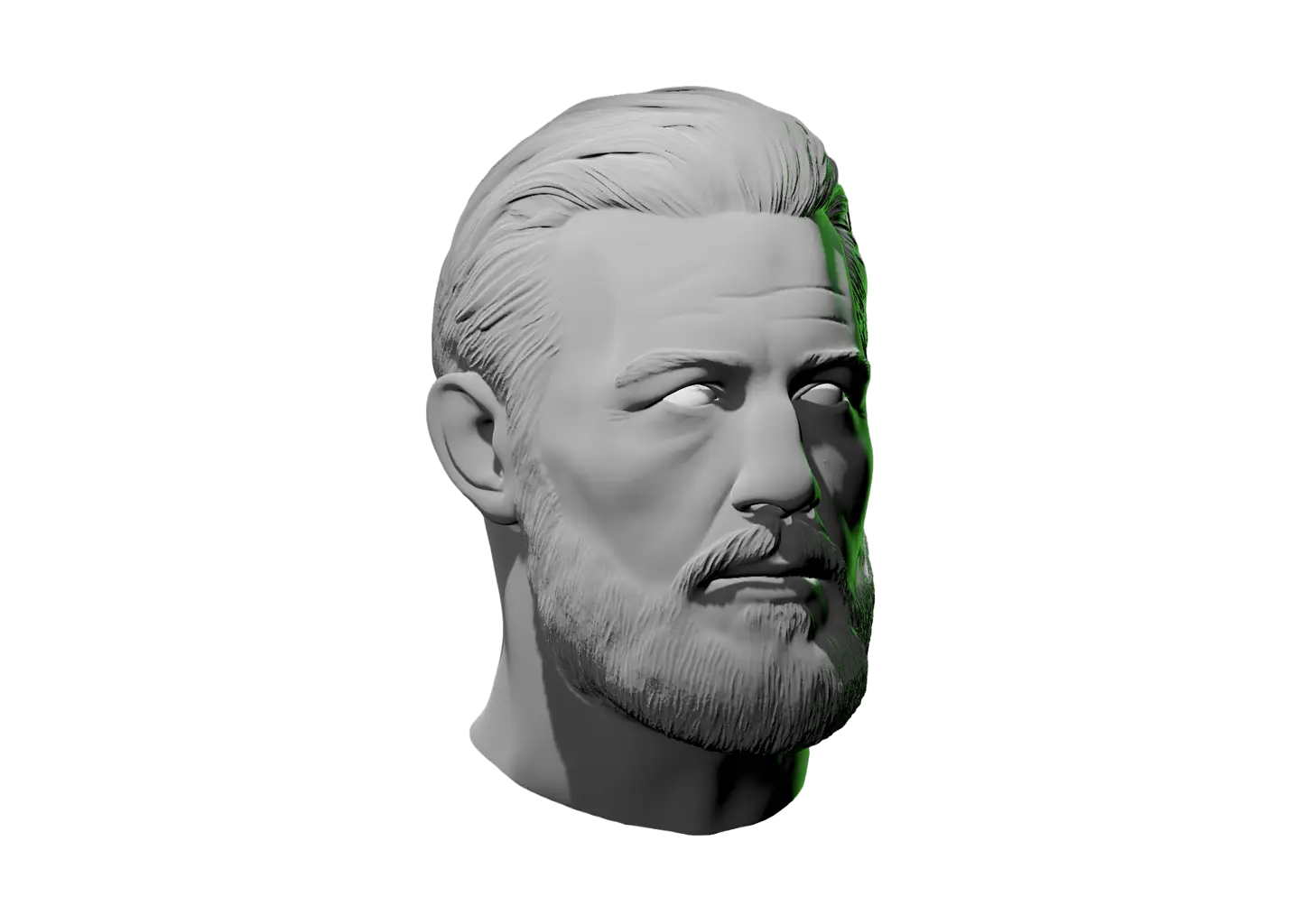
Shading a head comes down to reading how value shifts as each plane turns toward or away from the light. This model gives you a ring of 6 planar heads so you can study that shift across every angle at once.

Place a light (or many lights) and watch the values separate, a plane facing a light source reads bright, one turned away drops into shadow, and the facets make every step between easy to see.

Orbit the scene to find your starting point. Right-click any head’s origin to rotate it independently of the others for full control.

Want to focus on one head at a time? The Planes of the Head Reference gives you a single planar face to study.
Toggle Info: I
Toggle info: i
Double click to drop a light
Click-and-drag to move a light
Right click objects for options
Precision Controls
Camera Angle Presets: C
Toggle Perspective: P
Randomize Scene: R
Randomize Lights: Shift + R
Value Steps: V
Undo: Cmd + Z
Redo: Cmd + Shift + Z
Save Setup: Cmd + S
Labels → Scene Lock: L
Learn & Track
Overview → Timer: T
Reset scene
Icon of person raising their hand
Share feedback
Beta: Saved setups (N)
Reference Timer
Track how much time you spend studying this model. The timer keeps running while you sketch, draw, or paint. If the page goes unattended for several hours, Light Dropper checks in with you, then automatically pauses the timer until you return.
Timer indicator
0
Pause timerStart timer
Today
0
Yesterday
0
This week
0
Last week
0
Lifetime
0
Six planar heads viewed from different angles.

Value Shading Reference

Shading a head comes down to reading how value shifts as each plane turns toward or away from the light. This model gives you a ring of 6 planar heads so you can study that shift across every angle at once.

Place a light (or many lights) and watch the values separate, a plane facing a light source reads bright, one turned away drops into shadow, and the facets make every step between easy to see.

Orbit the scene to find your starting point. Right-click any head’s origin to rotate it independently of the others for full control.

Want to focus on one head at a time? The Planes of the Head Reference gives you a single planar face to study.
A hand icon with a strikethrough
This experience requires a larger window.