Light Dropper colored icon
Loading interactive 3D reference…
45% complete

Planes of the Head Lighting Reference

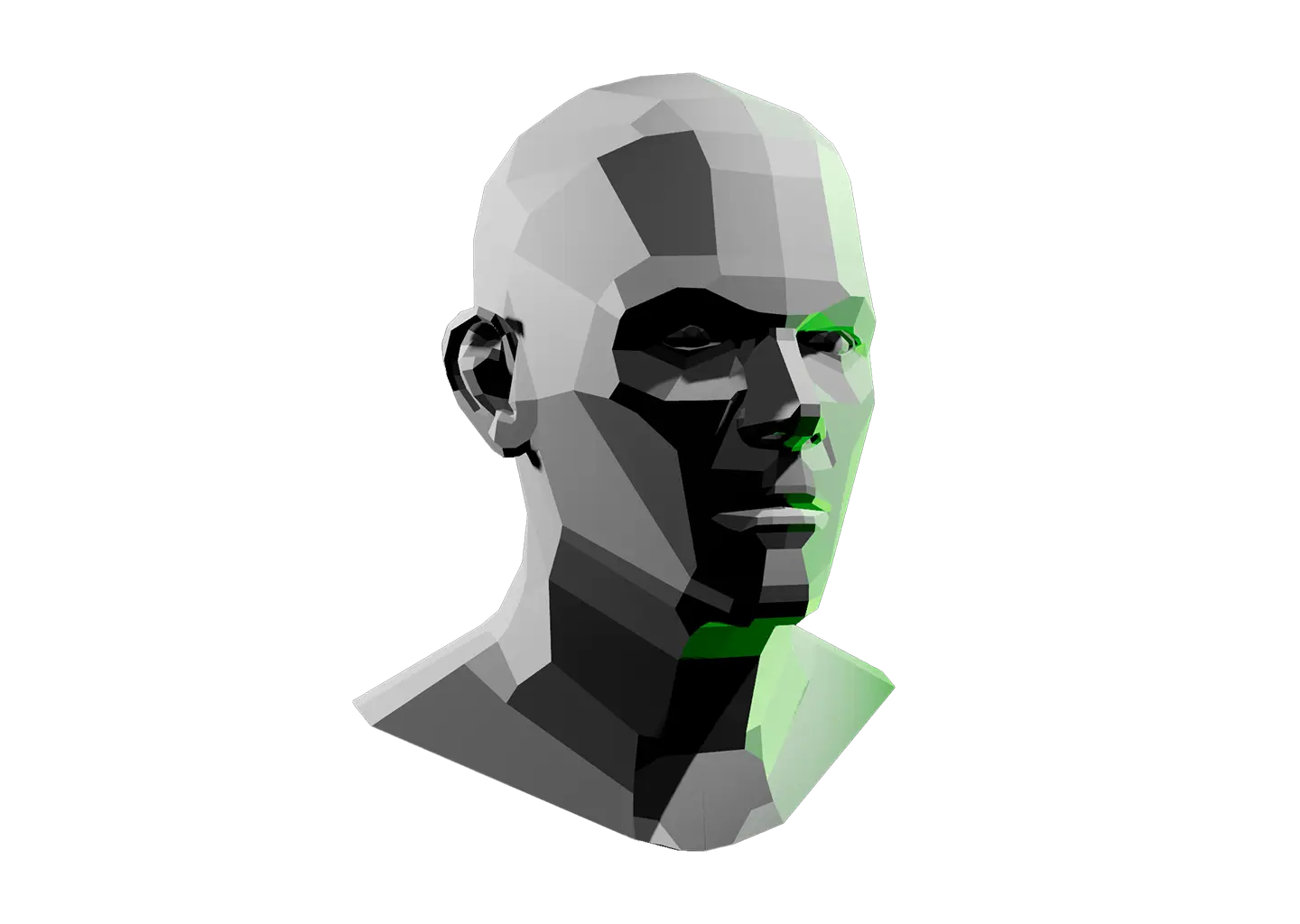
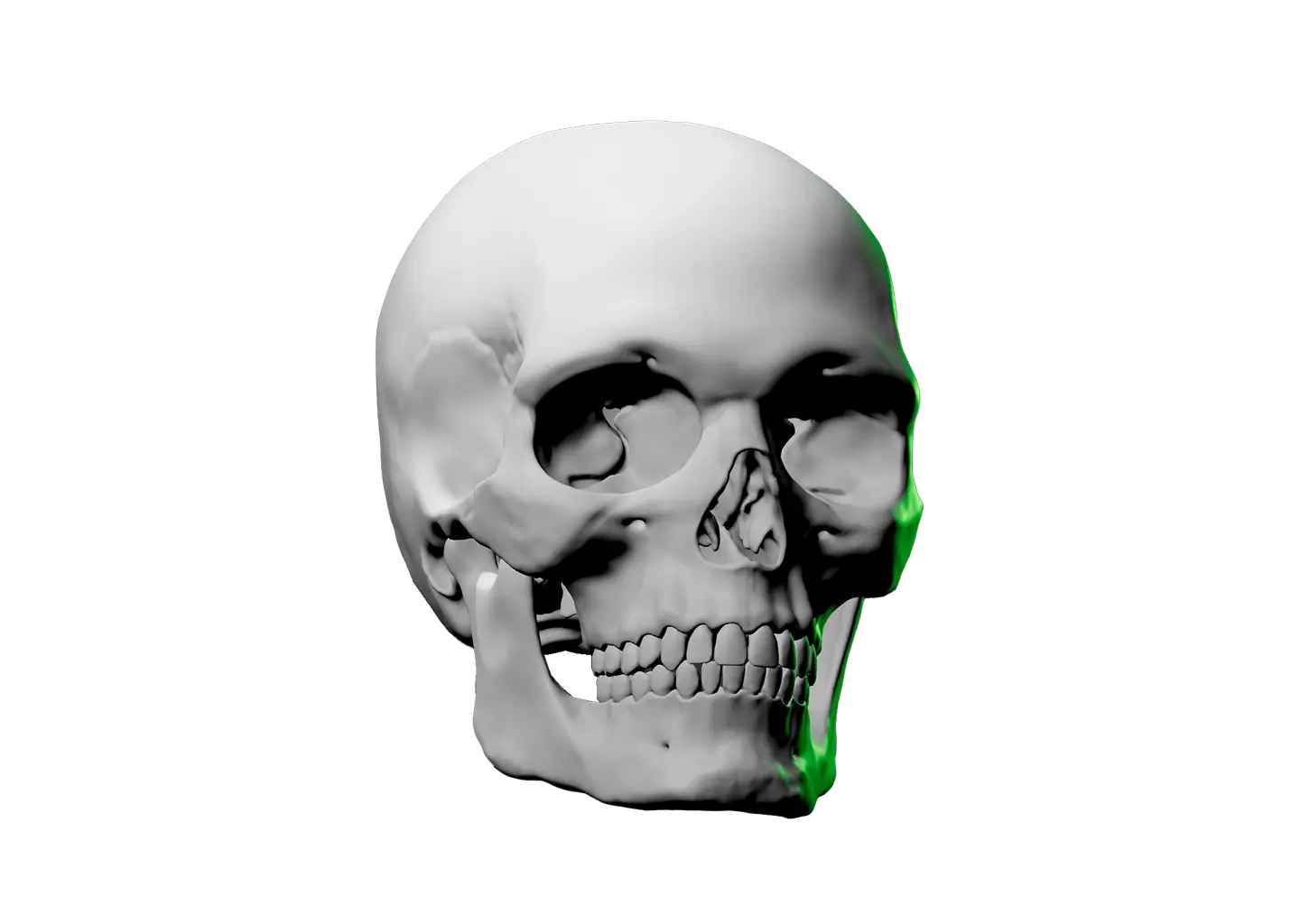
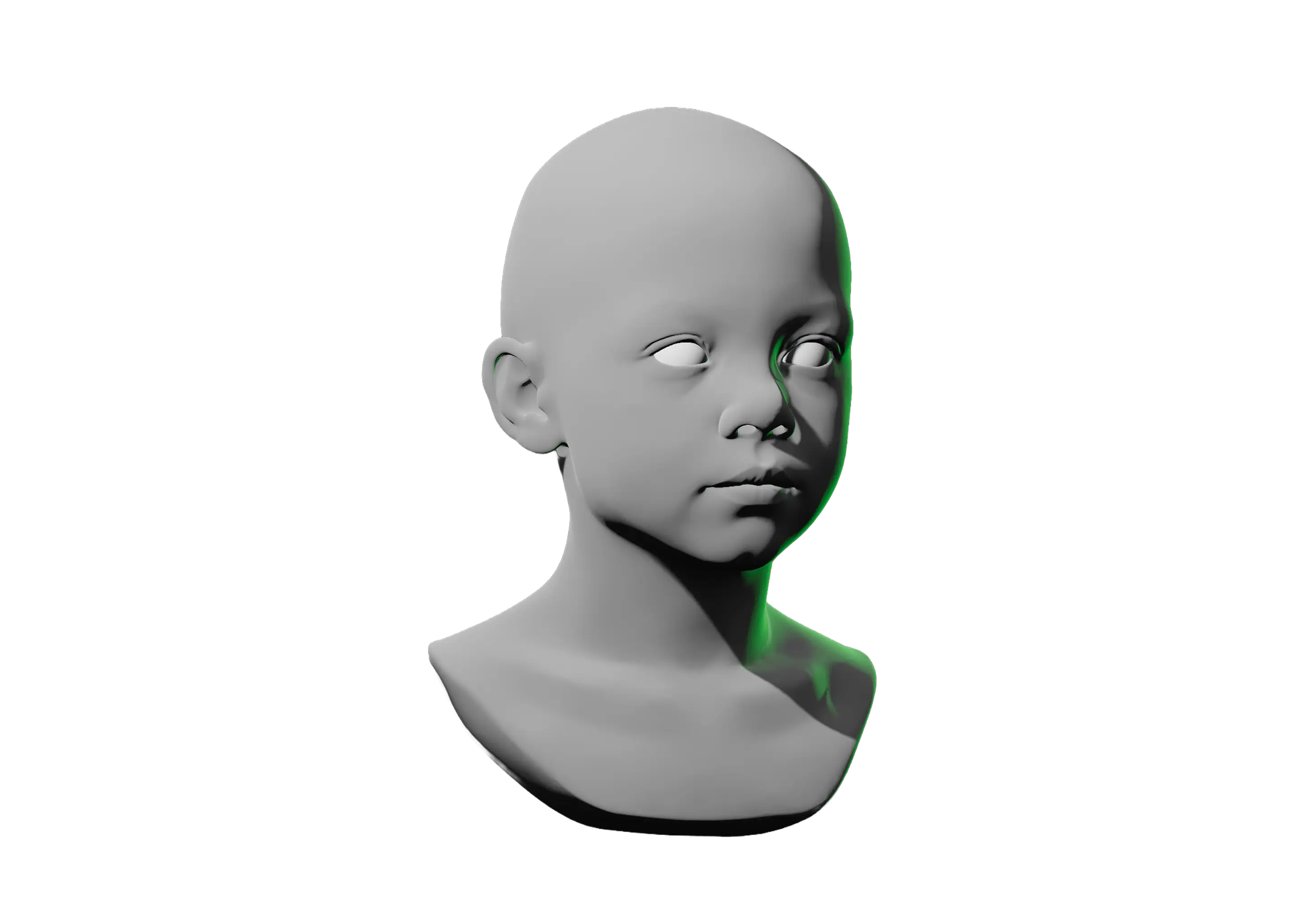
The head is hard to light until you stop seeing skin and start seeing planes. This model breaks it into flat facets, forehead, cheek, nose, jaw, so you can read which way each surface faces.

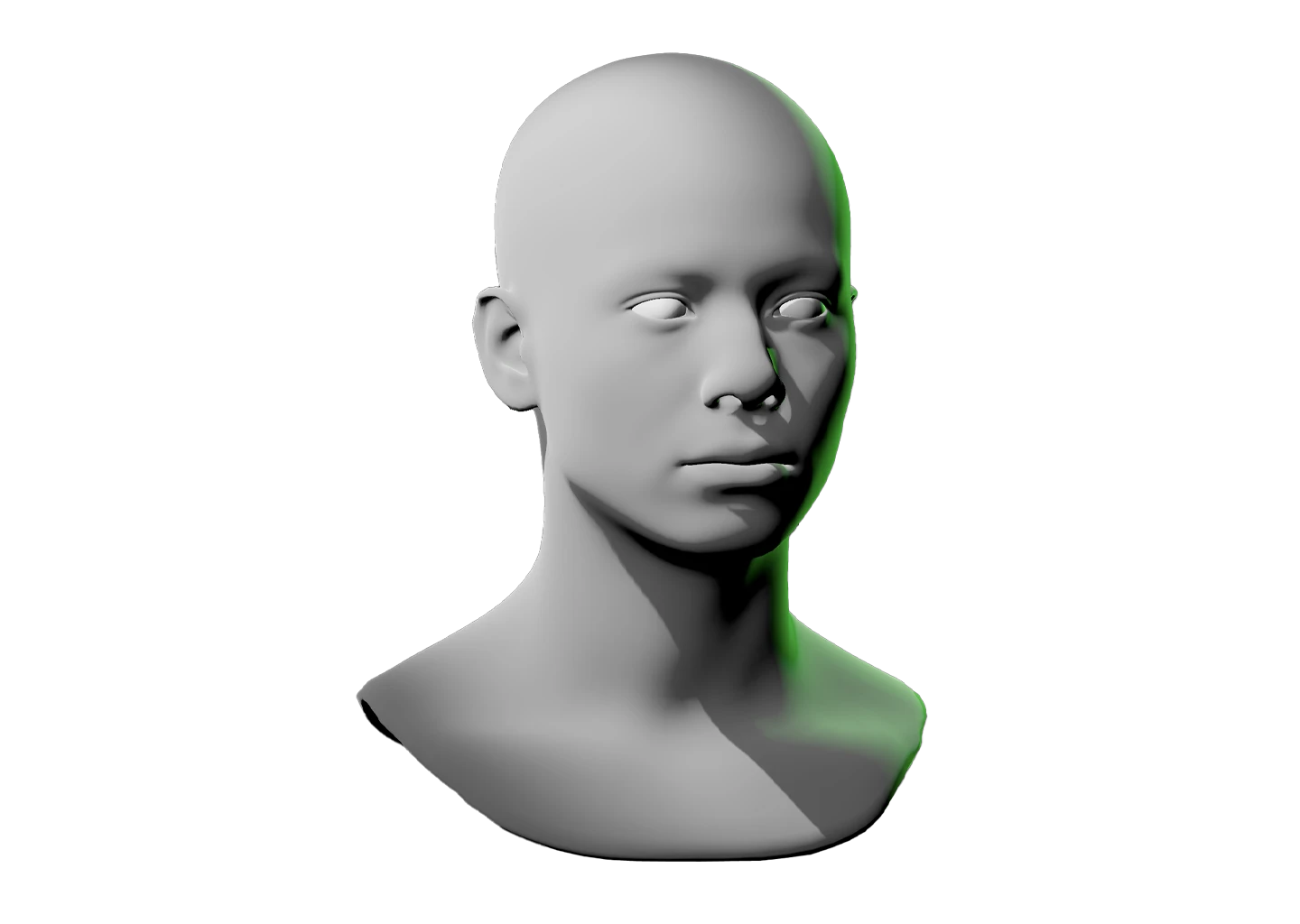
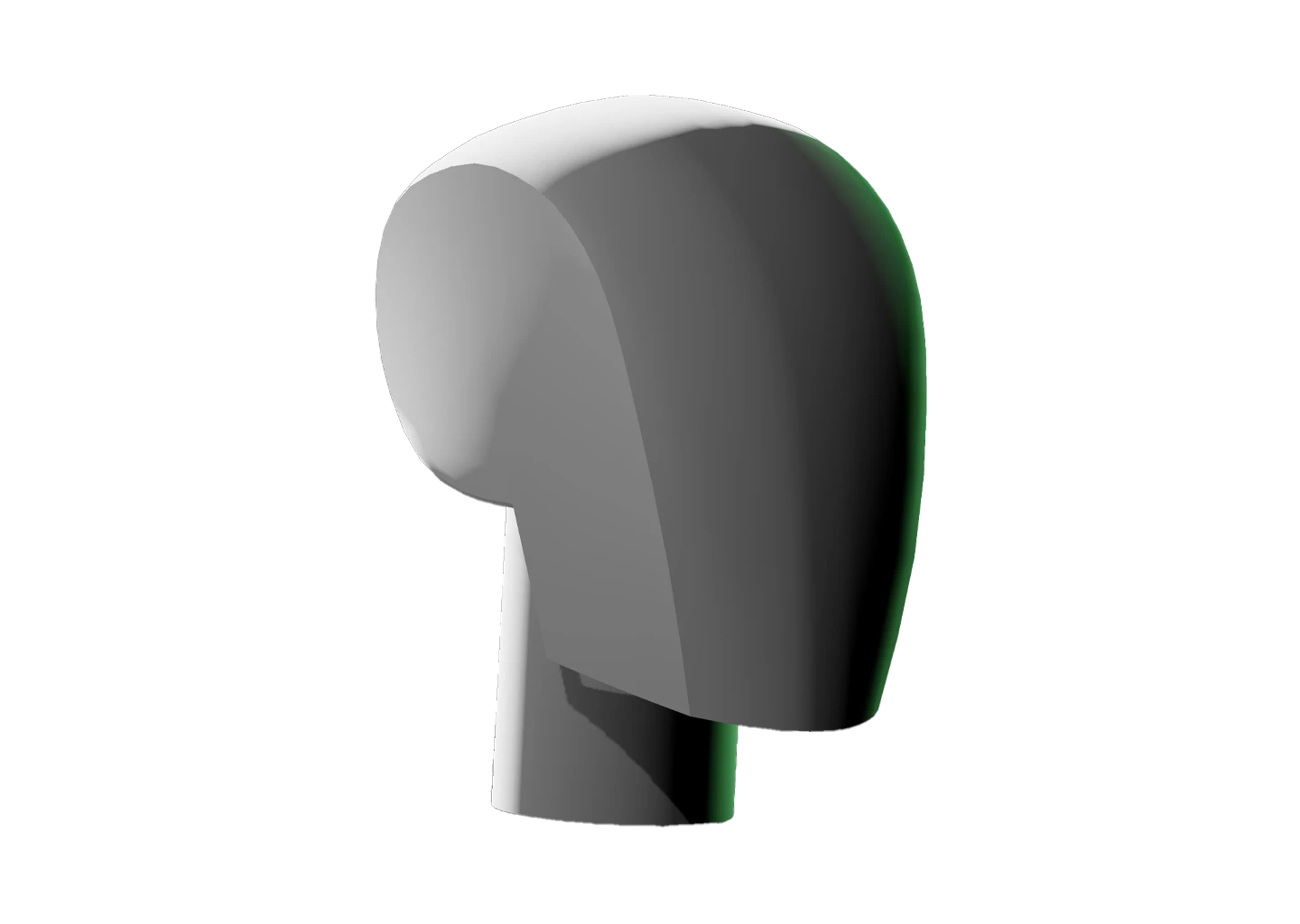
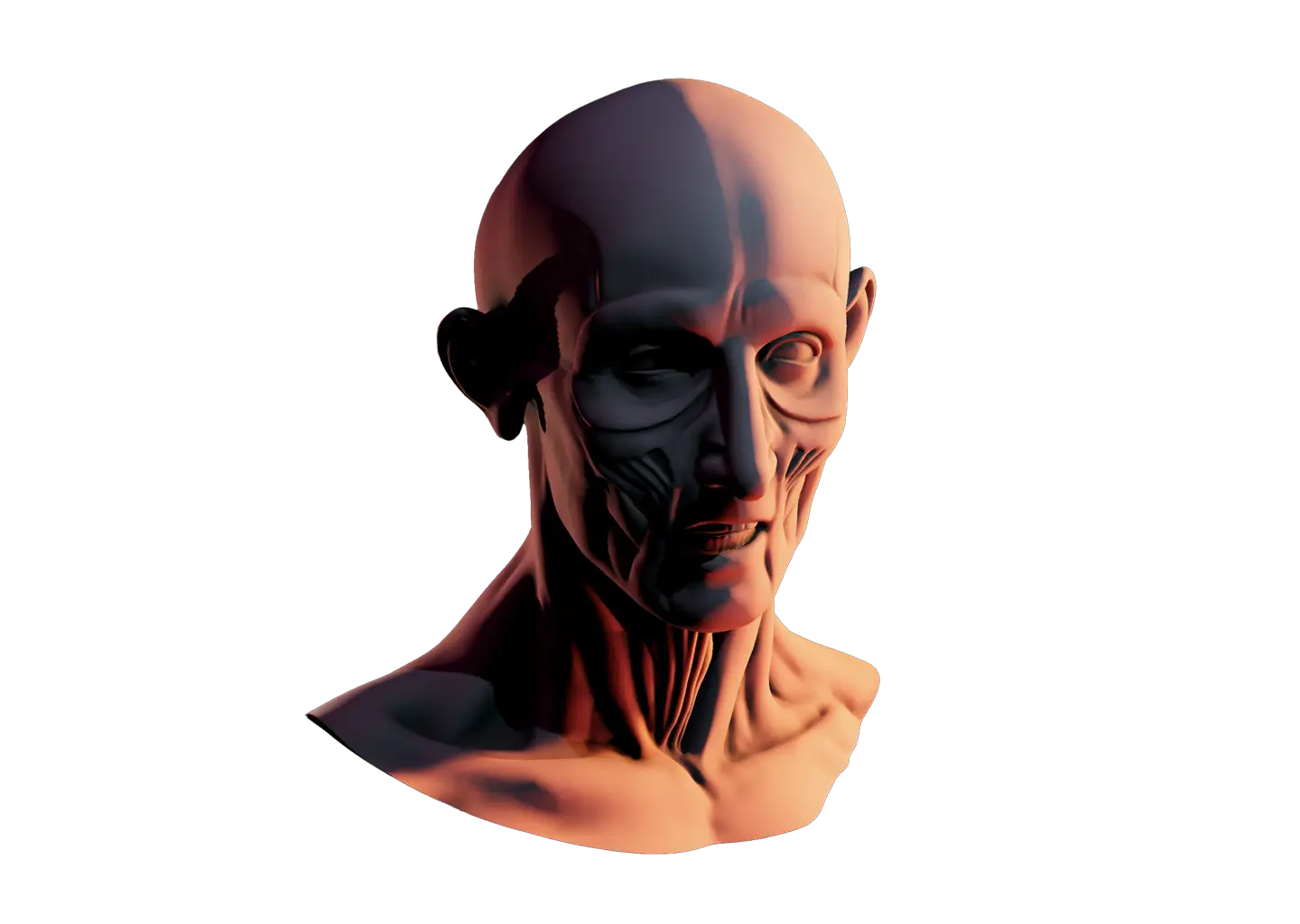
This model sits between the Loomis Method, which frames the head as a sphere with construction lines, and the detailed Interactive Face Lighting Reference. The planes are the middle step, enough structure to light with confidence, still simple enough to read at a glance.

Orbit the camera, rotate the head, and right-click to recolor it. Add lights, reposition them, and watch which planes light up and which fall into shadow.

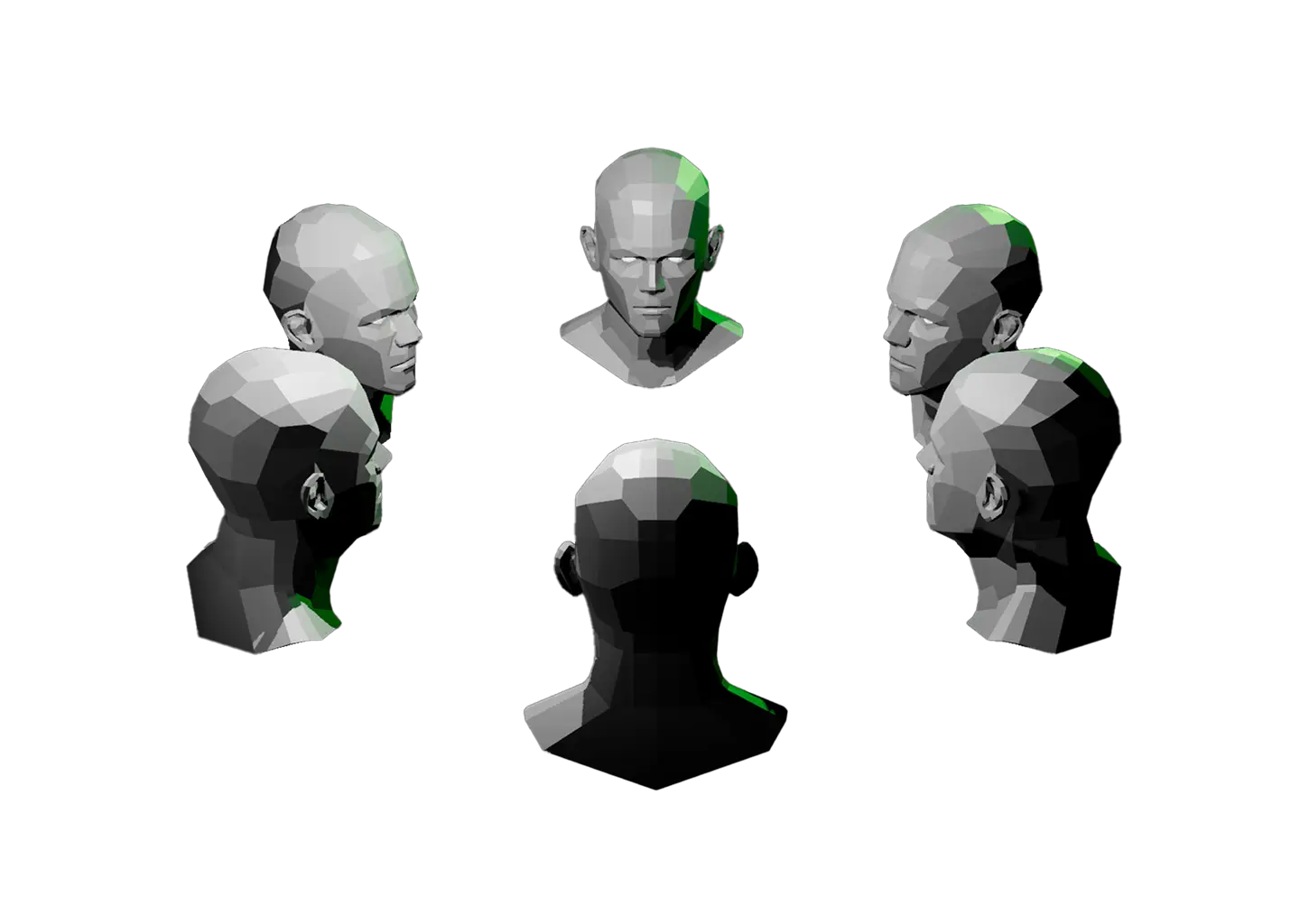
Studying value across many angles at once? The Value Shading Reference gives you a ring of 6 planar heads so you can compare them all at once.
Toggle Info: I
Toggle info: i
Double click to drop a light
Click-and-drag to move a light
Right click objects for options
Precision Controls
Camera Angle Presets: C
Toggle Perspective: P
Randomize Scene: R
Randomize Lights: Shift + R
Value Steps: V
Undo: Cmd + Z
Redo: Cmd + Shift + Z
Save Setup: Cmd + S
Labels → Scene Lock: L
Learn & Track
Overview → Timer: T
Reset scene
Beta: Saved setups (N)
Icon of person raising their hand
Share feedback
Reference Timer
Track how much time you spend studying this model. The timer keeps running while you sketch, draw, or paint. If the page goes unattended for several hours, Light Dropper checks in with you, then automatically pauses the timer until you return.
Timer indicator
0
Pause timerStart timer
Today
0
Yesterday
0
This week
0
Last week
0
Lifetime
0
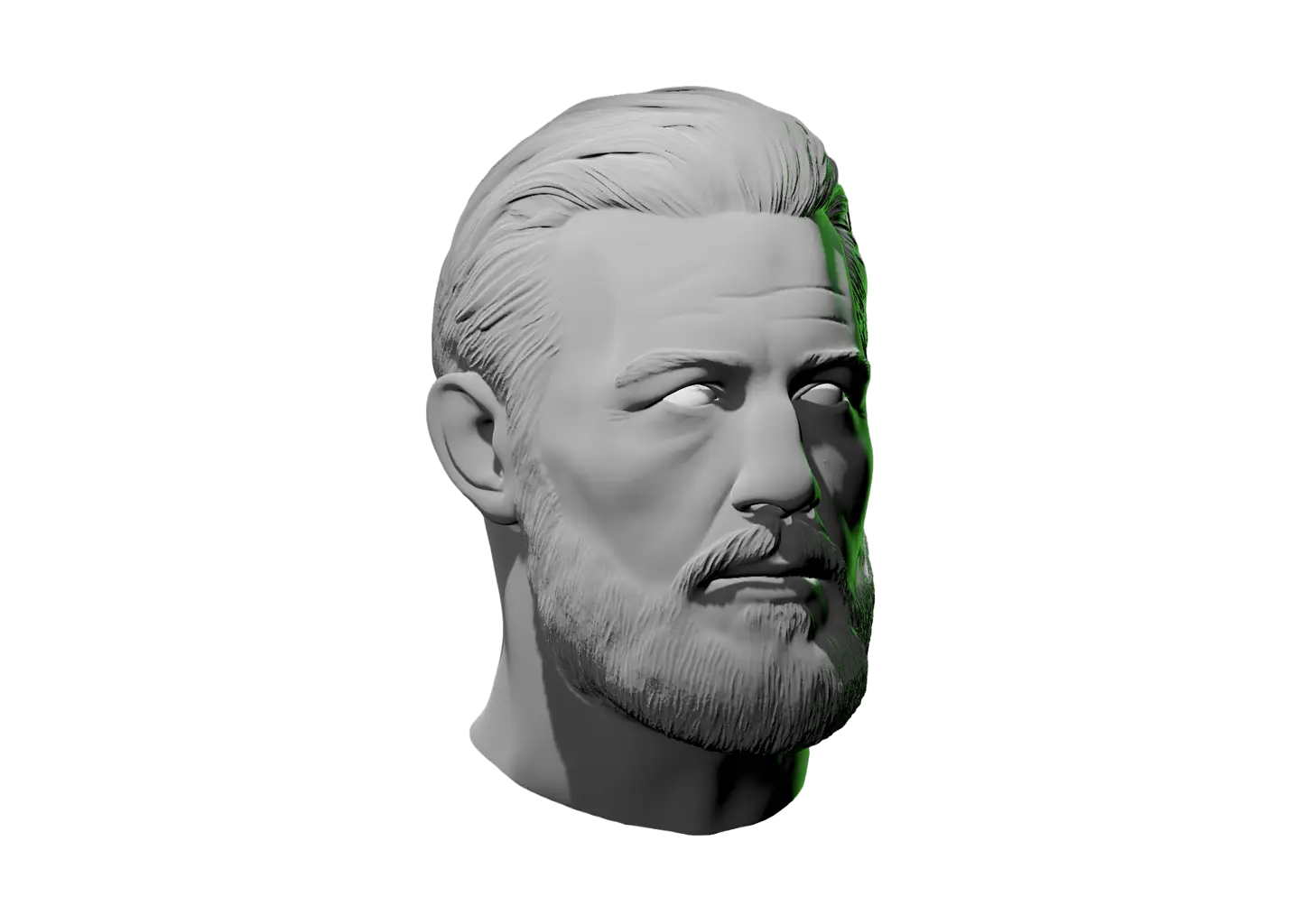
Planes of the head faceted face with shading on different parts of the face and neck

Planes of the Head Lighting Reference

The head is hard to light until you stop seeing skin and start seeing planes. This model breaks it into flat facets, forehead, cheek, nose, jaw, so you can read which way each surface faces.

This model sits between the Loomis Method, which frames the head as a sphere with construction lines, and the detailed Interactive Face Lighting Reference. The planes are the middle step, enough structure to light with confidence, still simple enough to read at a glance.

Orbit the camera, rotate the head, and right-click to recolor it. Add lights, reposition them, and watch which planes light up and which fall into shadow.

Studying value across many angles at once? The Value Shading Reference gives you a ring of 6 planar heads so you can compare them all at once.
A hand icon with a strikethrough
This experience requires a larger window.